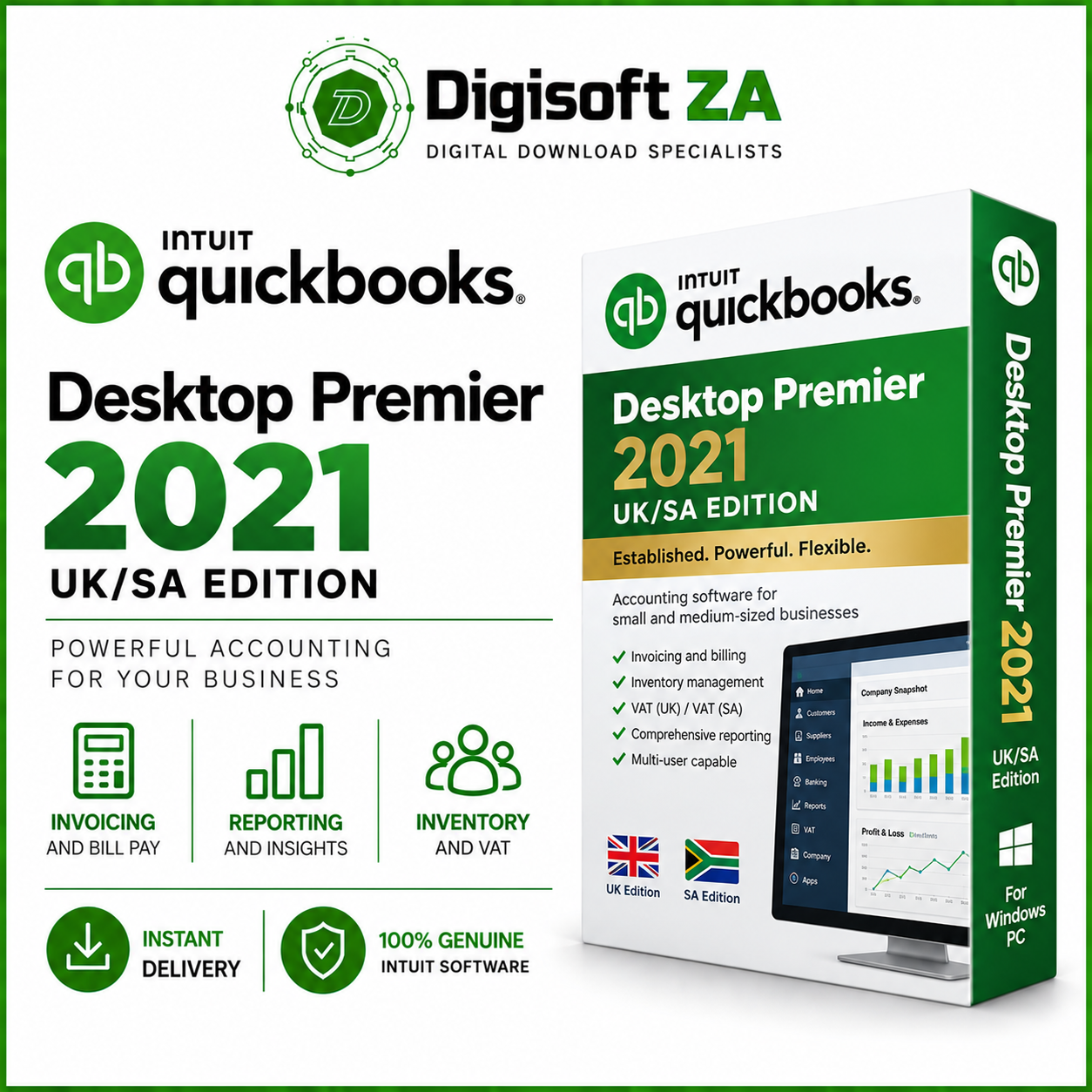
QuickBooks Desktop Premier 2021 (UK/SA Edition) – Overview
QuickBooks Desktop Premier Accountant 2021 UK/SA Edition is a powerful desktop accounting solution designed for professionals and businesses that require advanced accounting tools, detailed reporting, inventory management, and multi-user functionality.
It simplifies business management with features including:
- Efficient inventory tracking through the Inventory Center
- Easy access to detailed financial reports
- Multi-location tracking for departments or profit centers
- Management of cash flow, expenses, and banking transactions
- Professional customization options for invoices and payment receipts
- Built-in tools to help identify and correct accounting errors
- Multi-user functionality for businesses requiring access from multiple computers
Multi-User / 5-Computer Support
QuickBooks Desktop Premier 2021 supports up to 5 computers/users working with the company file in Multi-User Mode, subject to the computers being correctly configured on the same business network.
Important: Multi-user functionality requires additional network and Windows configuration. This may include file sharing, folder permissions, firewall configuration, QuickBooks Database Server Manager, network discovery, and configuration of the computer hosting the company file.
Our technical support covers installation and software-related installation issues only. We do not provide setup, configuration, or troubleshooting of your business network or QuickBooks Multi-User Mode.
If you intend to use QuickBooks across multiple computers in Multi-User Mode, your company IT technician or IT service provider must configure and maintain the required network environment.
The software supporting up to 5 users/computers does not mean that multi-user networking is automatically configured during installation.
Key Features
✔ Supports up to 5 computers/users in Multi-User Mode
✔ Advanced inventory management and tracking
✔ Built-in financial reporting and analytics
✔ Management and categorization of banking transactions
✔ Customizable invoice and payment receipt templates
✔ Tools to help identify and correct accounting errors
✔ Suitable for UK/SA accounting environments
✔ Desktop-based accounting software
Technical Support
Our technical team can assist with:
- Installation of QuickBooks Desktop Premier 2021
- Installation-related errors
- Software launch or initial installation issues
- Reinstallation where required
Our technical support does not include:
- Setting up Multi-User Mode
- Configuring your local network
- Windows network or sharing configuration
- Server or workstation configuration
- Firewall/network security configuration
- Company file hosting configuration
- Troubleshooting your existing business network
These services must be handled by your own IT technician or network administrator, as every business network and IT environment is different.
System Requirements
Please ensure your computer and network environment meet the necessary requirements before installation:
- Operating System: Windows 10 / 11 (64-bit)
- Memory (RAM): 4 GB minimum
- Hard Disk Space: Minimum 2.5 GB free disk space
- Processor: Intel Core i3 or equivalent/newer
- Display: 1280 × 1024 resolution recommended
- Internet Connection: Required for applicable activation and updates
- Multi-User Use: A correctly configured local network and Windows environment is required
Important Multi-User Notice
If purchasing this product specifically for use across multiple computers, please ensure you have an IT technician available to configure your network and Multi-User Mode. Digisoft ZA provides software installation assistance but is not responsible for configuring or troubleshooting the customer’s network, server, workstations, or multi-user environment.








Reviews
Clear filtersThere are no reviews yet.