




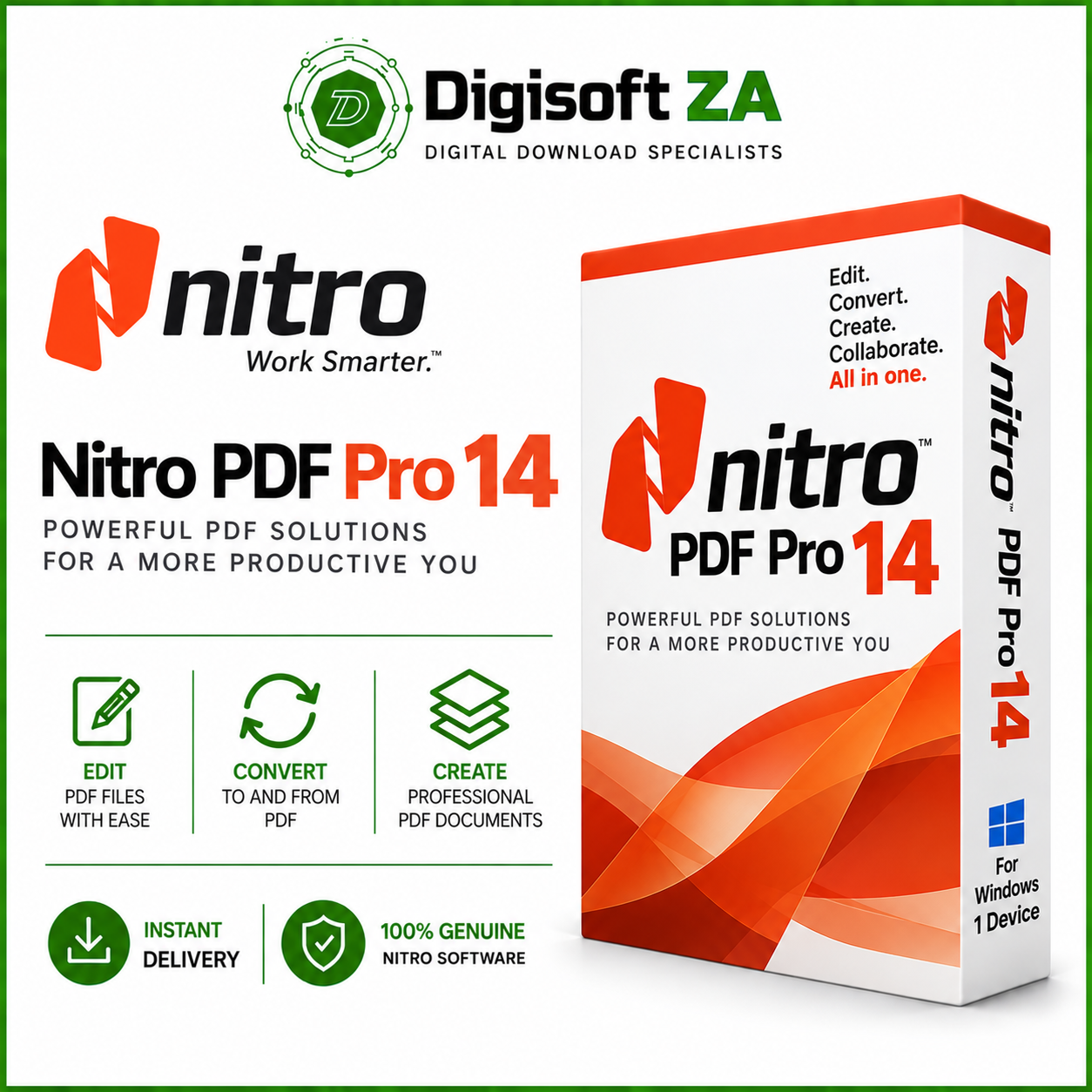
Nitro PDF Pro 14
R4 999.00 Original price was: R4 999.00.R799.00Current price is: R799.00.
License Details
This is the full version of Nitro PDF Pro v14, not a trial or educational version, with a lifetime license ensuring no recurring fees.
License Type: Lifetime License
Version: Nitro PDF Pro 14
Platform: Windows PC
Edition: Full Version – Not Trial or Educational
Recurring Fees: None
Subscription Required: No
Description
Nitro PDF Pro 14 – Lifetime License for Windows
Take complete control of your PDF documents with Nitro PDF Pro 14, a powerful and professional PDF editing solution designed for business, home, and professional use.
Nitro PDF Pro 14 gives you the tools you need to create, edit, convert, combine, secure, sign, and manage PDF documents from one easy-to-use application. Whether you’re editing contracts, converting documents, completing forms, or working with scanned files, Nitro PDF Pro provides a comprehensive set of PDF tools without the complexity of traditional PDF software.
Key Features
Create & Edit PDFs
Create professional PDF documents and directly edit existing PDF text, images, pages, and other document content.
Convert PDF Documents
Convert PDFs into commonly used Microsoft Office and other document formats, making it easier to reuse and edit existing content.
OCR Technology
Use Optical Character Recognition (OCR) to turn scanned documents and image-based PDFs into searchable and editable content.
Merge & Organise PDFs
Combine multiple documents into a single PDF, rearrange pages, extract pages, insert new pages, rotate content, and organise documents with ease.
PDF Forms
Create, complete, edit, and manage interactive PDF forms for professional and business workflows.
Electronic & Digital Signatures
Add signatures to documents and work with digital signature functionality for more efficient document approval workflows.
Review & Annotate
Highlight text, add comments, insert notes, mark up documents, and collaborate more efficiently when reviewing PDF files.
PDF Security
Protect important documents and control access to sensitive PDF content using Nitro PDF Pro’s document security tools.
Microsoft Office Integration
Work conveniently with Microsoft Office applications and convert supported Office documents to and from PDF.
System Requirements
Operating System:
– Windows 11
– Windows 10
– 64-bit Windows recommended and required for continued support from Nitro PDF Pro 14.20 onwards
Processor:
– 1.5 GHz or faster
Memory:
– 1 GB RAM minimum
– Additional RAM recommended for larger or more complex PDF documents
Storage:
– Approximately 4.5 GB of available hard drive space
Display:
– Minimum screen resolution of 1024 x 768
Microsoft Office Integration:
– Microsoft Office 2013
– Microsoft Office 2016
– Microsoft Office 2019
– 32-bit or 64-bit Office editions supported for applicable integrated features
Additional Requirements:
– Microsoft Edge WebView2
– Latest Microsoft Visual C++ Redistributable
– Internet connection may be required for activation, updates, and certain online functionality
License Details
This is the full version of Nitro PDF Pro v14, not a trial or educational version, with a lifetime license ensuring no recurring fees.
License Type: Lifetime License
Version: Nitro PDF Pro 14
Platform: Windows PC
Edition: Full Version – Not Trial or Educational
Recurring Fees: None
Subscription Required: No
Enjoy professional PDF editing and document management with a one-time purchase and lifetime license, giving you continued use of your licensed Nitro PDF Pro 14 software without monthly or annual subscription fees.
Ideal For
Nitro PDF Pro 14 is an excellent solution for business professionals, students, home users, administrators, accountants, legal professionals, and anyone who regularly works with PDF documents.
From simple PDF editing and conversions to OCR, forms, signatures, document security, and professional PDF creation, Nitro PDF Pro 14 provides the essential tools you need to work efficiently with PDF documents on Windows.
Support
All our software solutions include free installation support to ensure a smooth and hassle-free setup. If you need assistance at any stage, our team is ready to help — simply reach out to us via phone call, WhatsApp, live chat, or email, and we’ll guide you through the process quickly and professionally.


Reviews
Clear filtersThere are no reviews yet.